Diese Spezialseite listet alle hochgeladenen Dateien auf.

| Datum | Name | Vorschaubild | Größe | Beschreibung | Versionen |
|---|---|---|---|---|---|
| 15:01, 27. Aug. 2019 | Kalender-anderer-Benutzer-einbinden-mit Outlook-2019-MacOS-1.png (Datei) |  |
6 KB | {{Information | description = Screenshot aus Kalender unter MacOS 10.14 | source = Screenshot | date = 27.08.2019 | author = Benutzer:jnk | permission = {{PD-user|jnk}} }}Kategorie:Screenshots | 1 |
| 17:32, 22. Aug. 2019 | Exchange einrichten in Microsoft Outlook 2019 (Windows 10) 03.png (Datei) | _03.png) |
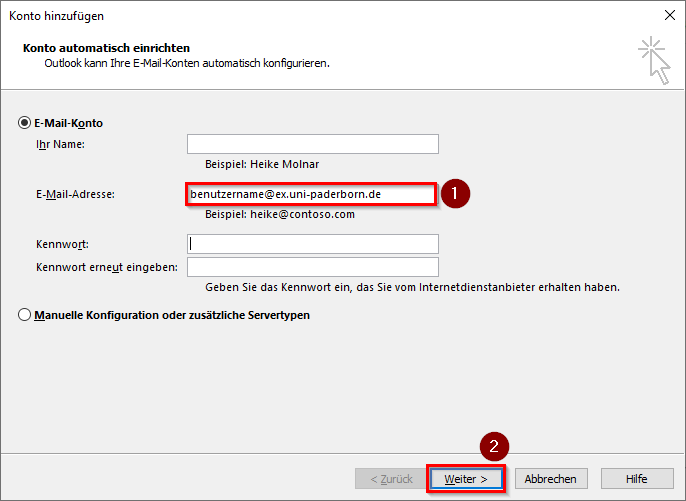
10 KB | {{Information | description = Screenshot aus Outlook 2019 unter Windows 10 - Exchange Konto hinzufügen 2 | source = Screenshot | date = 22.08.2019 | author = Benutzer:jnk | permission = {{PD-user|jnk}} }}Kategorie:Screenshots | 1 |
| 17:32, 22. Aug. 2019 | Exchange einrichten in Microsoft Outlook 2019 (Windows 10) 02.png (Datei) | _02.png) |
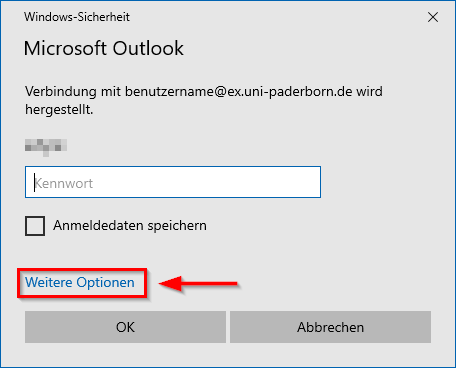
16 KB | {{Information | description = Screenshot aus Outlook 2019 unter Windows 10 - Exchange Konto hinzufügen 1 | source = Screenshot | date = 22.08.2019 | author = Benutzer:jnk | permission = {{PD-user|jnk}} }}Kategorie:Screenshots | 1 |
| 17:31, 22. Aug. 2019 | Exchange einrichten in Microsoft Outlook 2019 (Windows 10) 01.png (Datei) | _01.png) |
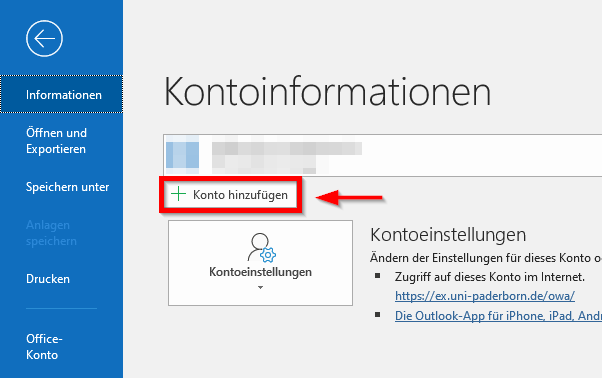
17 KB | {{Information | description = Screenshot aus Outlook 2019 unter Windows 10 - Neues Konto | source = Screenshot | date = 22.08.2019 | author = Benutzer:jnk | permission = {{PD-user|jnk}} }}Kategorie:Screenshots | 1 |
| 16:26, 22. Aug. 2019 | Exchange einrichten mit Android 13.png (Datei) |  |
35 KB | {{Information | description = Screenshot aus Android - Gmail Exchange einrichten 10 | source = Screenshot | date = 22.08.2019 | author = Benutzer:jnk | permission = {{PD-user|jnk}} }}Kategorie:Screenshots | 1 |
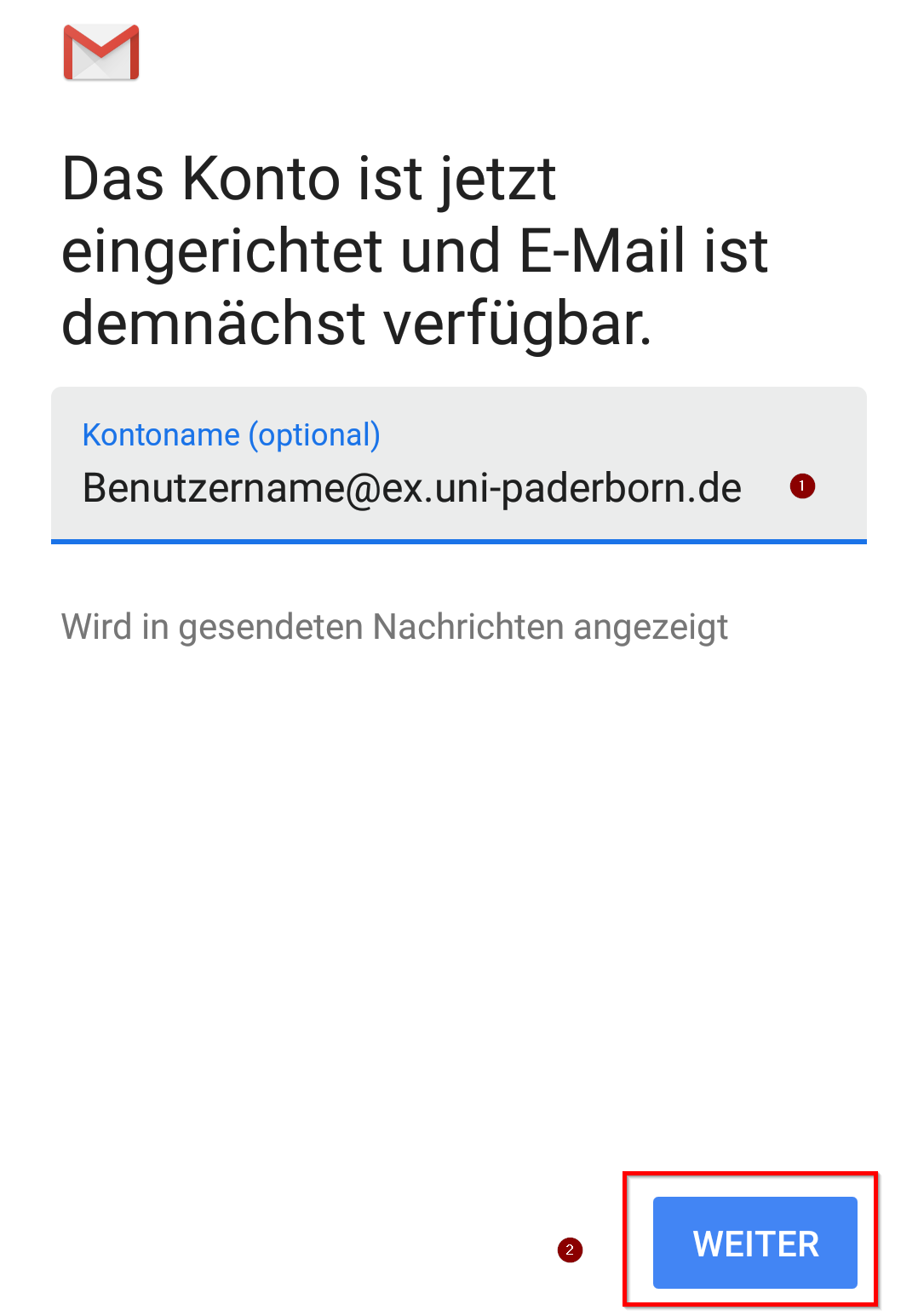
| 16:26, 22. Aug. 2019 | Exchange einrichten mit Android 12.png (Datei) |  |
68 KB | {{Information | description = Screenshot aus Android - Gmail Exchange einrichten 9 | source = Screenshot | date = 22.08.2019 | author = Benutzer:jnk | permission = {{PD-user|jnk}} }}Kategorie:Screenshots | 1 |
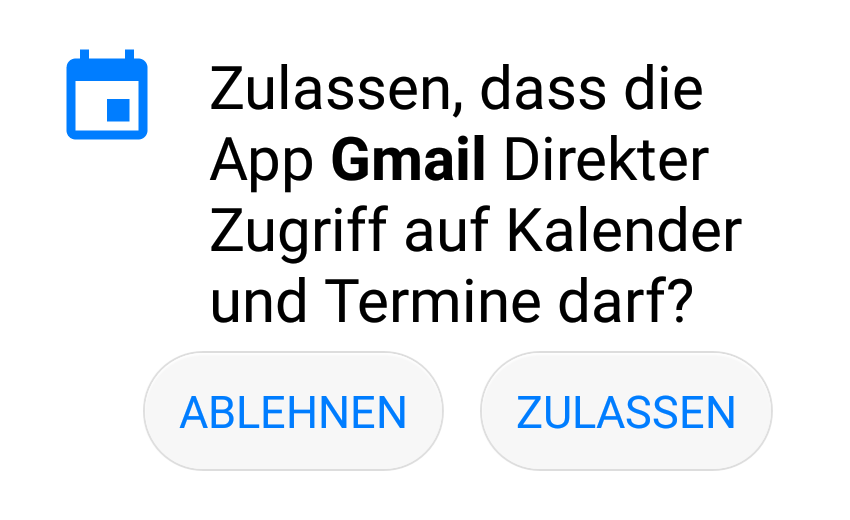
| 16:25, 22. Aug. 2019 | Exchange einrichten mit Android 11.png (Datei) |  |
164 KB | {{Information | description = Screenshot aus Android - Gmail Exchange einrichten 8 | source = Screenshot | date = 22.08.2019 | author = Benutzer:jnk | permission = {{PD-user|jnk}} }}Kategorie:Screenshots | 1 |
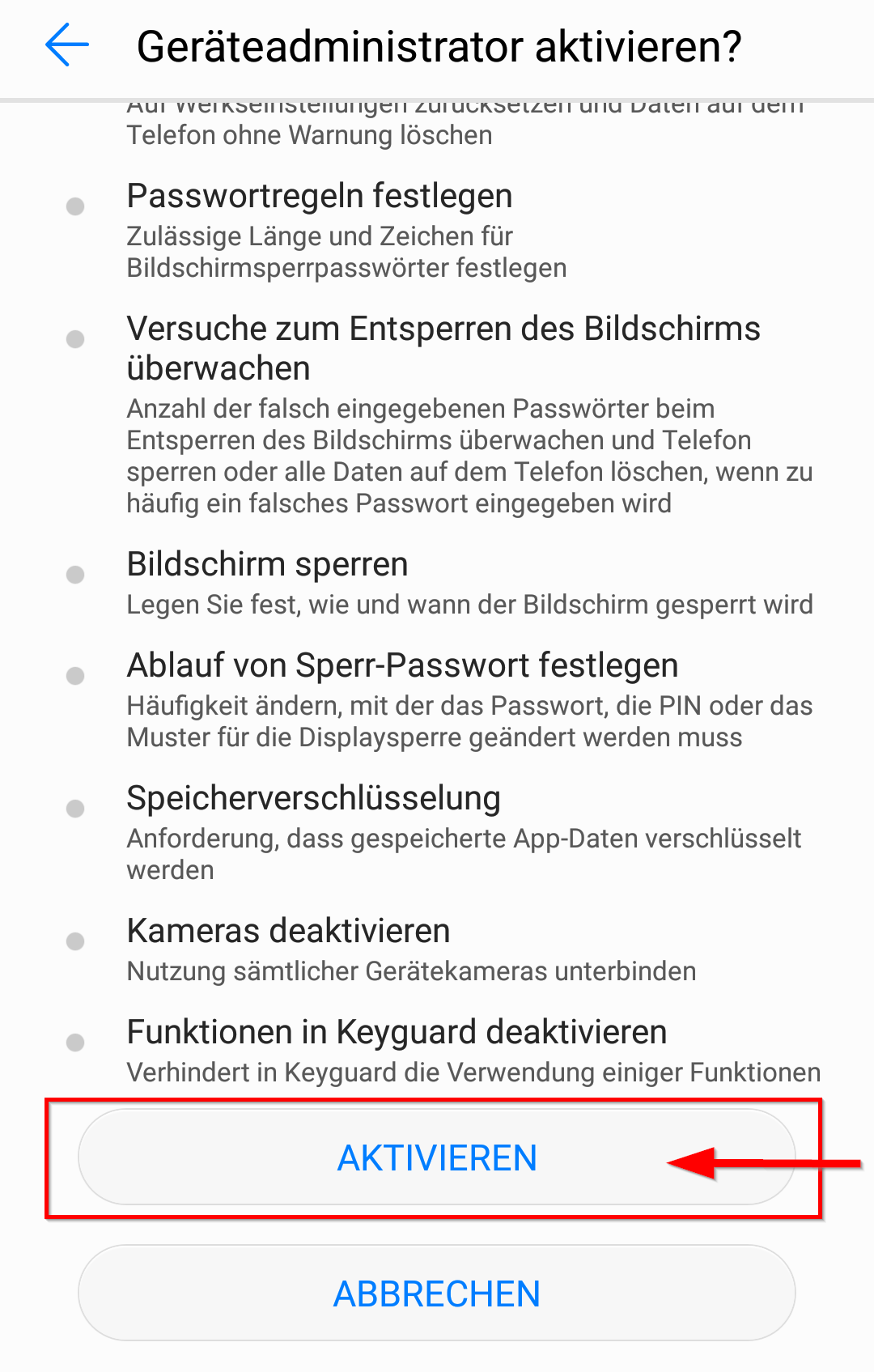
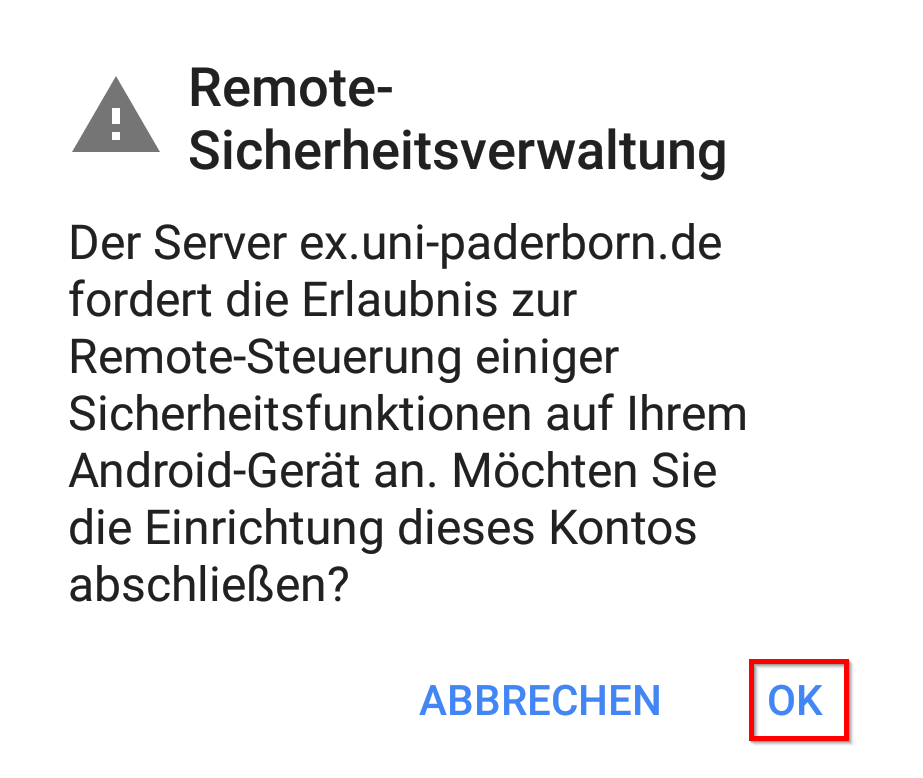
| 16:25, 22. Aug. 2019 | Exchange einrichten mit Android 10.png (Datei) |  |
175 KB | {{Information | description = Screenshot aus Android - Gmail Exchange einrichten 7 | source = Screenshot | date = 22.08.2019 | author = Benutzer:jnk | permission = {{PD-user|jnk}} }}Kategorie:Screenshots | 1 |
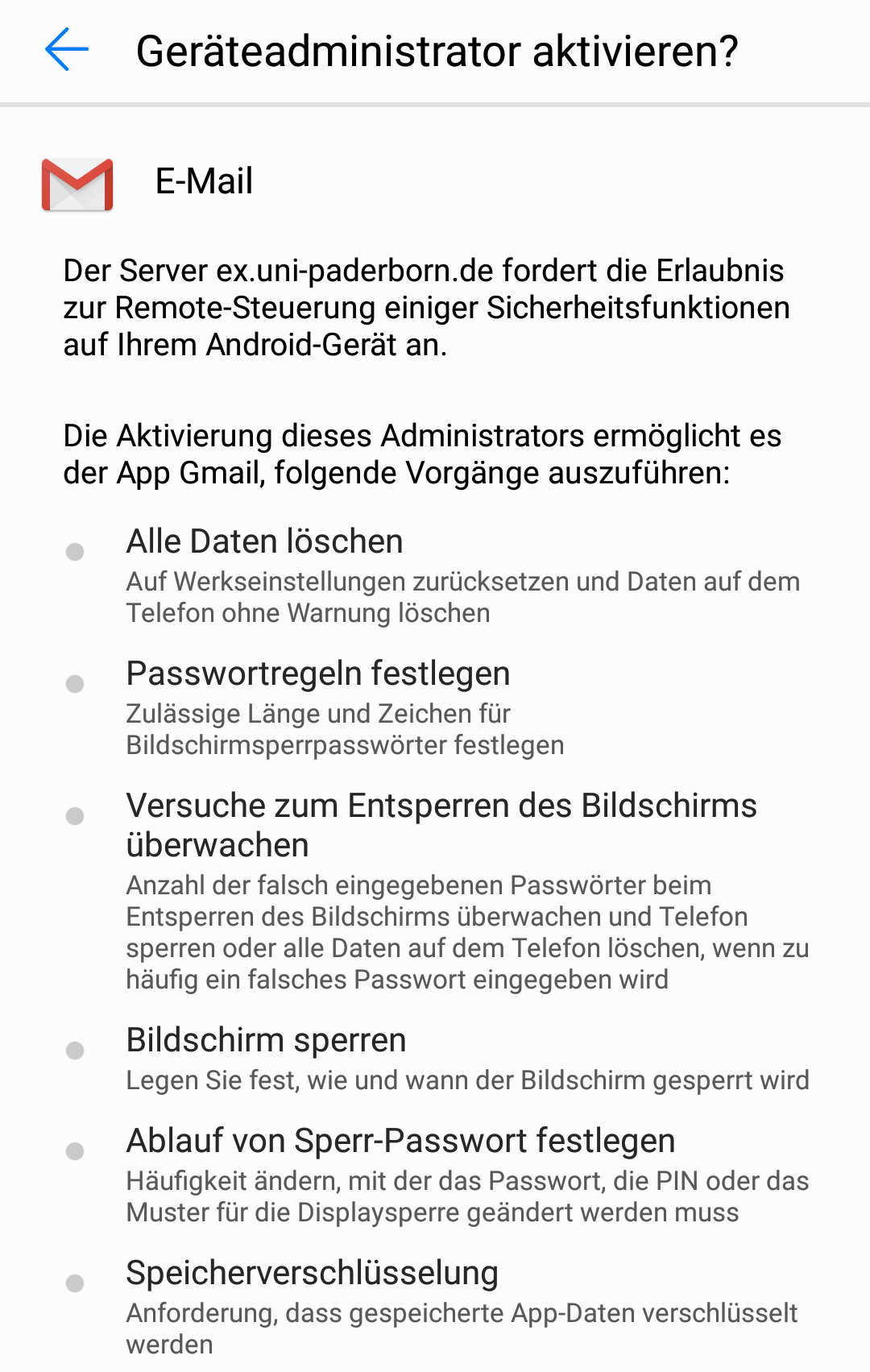
| 16:24, 22. Aug. 2019 | Exchange einrichten mit Android 09.png (Datei) |  |
62 KB | {{Information | description = Screenshot aus Android - Gmail Exchange einrichten 6 | source = Screenshot | date = 22.08.2019 | author = Benutzer:jnk | permission = {{PD-user|jnk}} }}Kategorie:Screenshots | 1 |
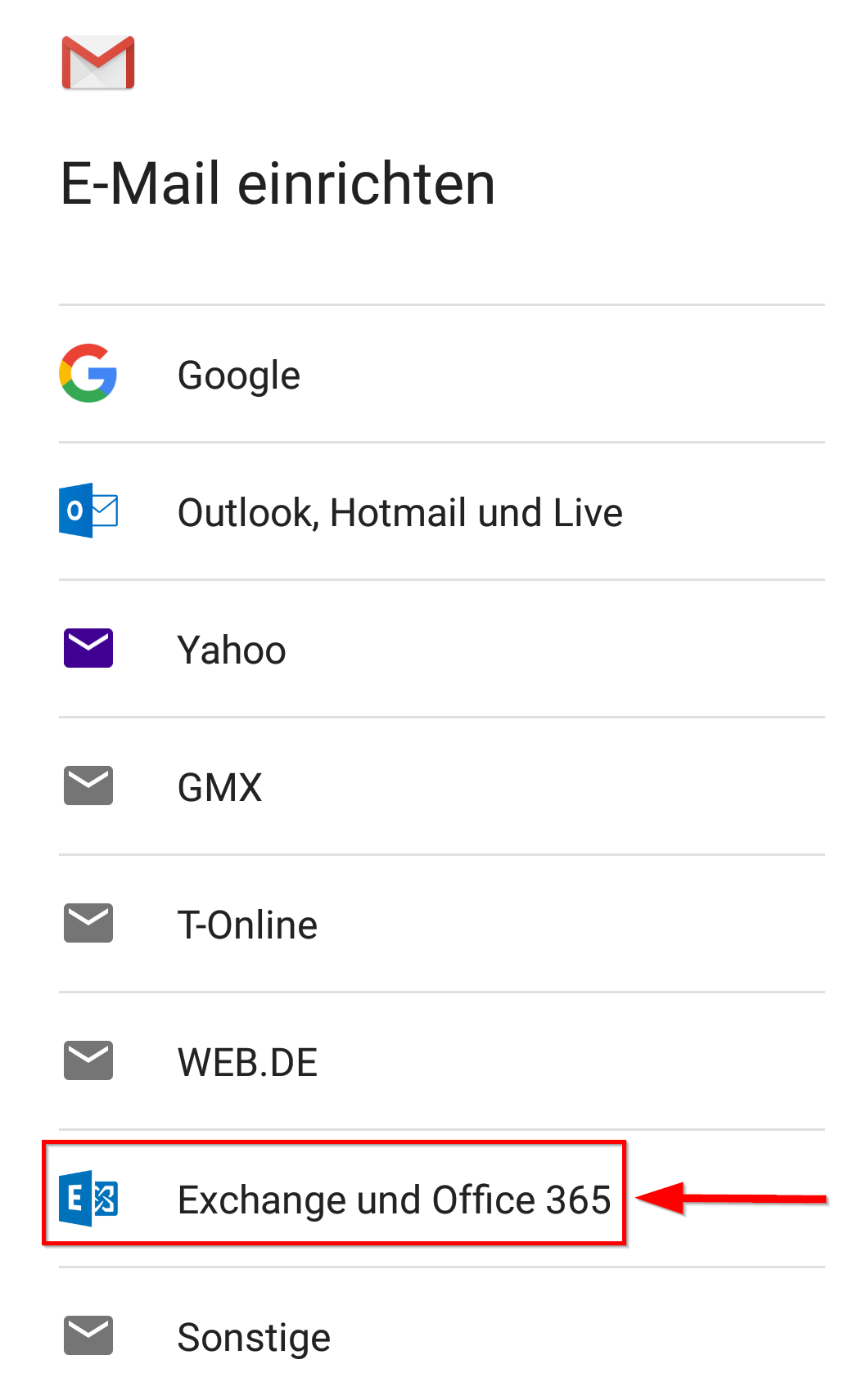
| 16:22, 22. Aug. 2019 | Exchange einrichten mit Android 04.png (Datei) |  |
71 KB | {{Information | description = Screenshot aus Android - Gmail Exchange einrichten 1 | source = Screenshot | date = 22.08.2019 | author = Benutzer:jnk | permission = {{PD-user|jnk}} }}Kategorie:Screenshots | 1 |
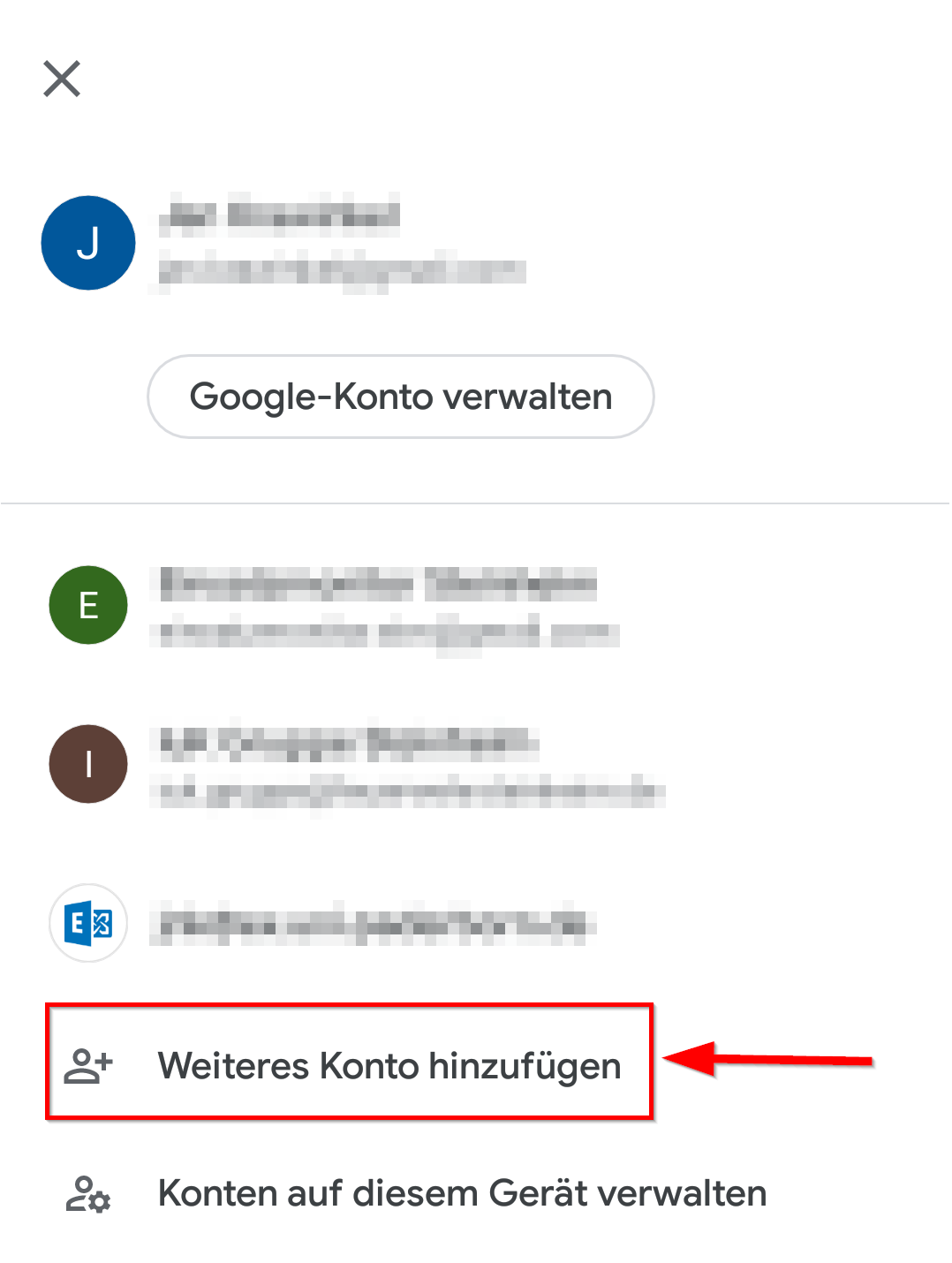
| 16:22, 22. Aug. 2019 | Exchange einrichten mit Android 03.png (Datei) |  |
86 KB | {{Information | description = Screenshot aus Android - Gmail Kontoübersicht | source = Screenshot | date = 22.08.2019 | author = Benutzer:jnk | permission = {{PD-user|jnk}} }}Kategorie:Screenshots | 1 |
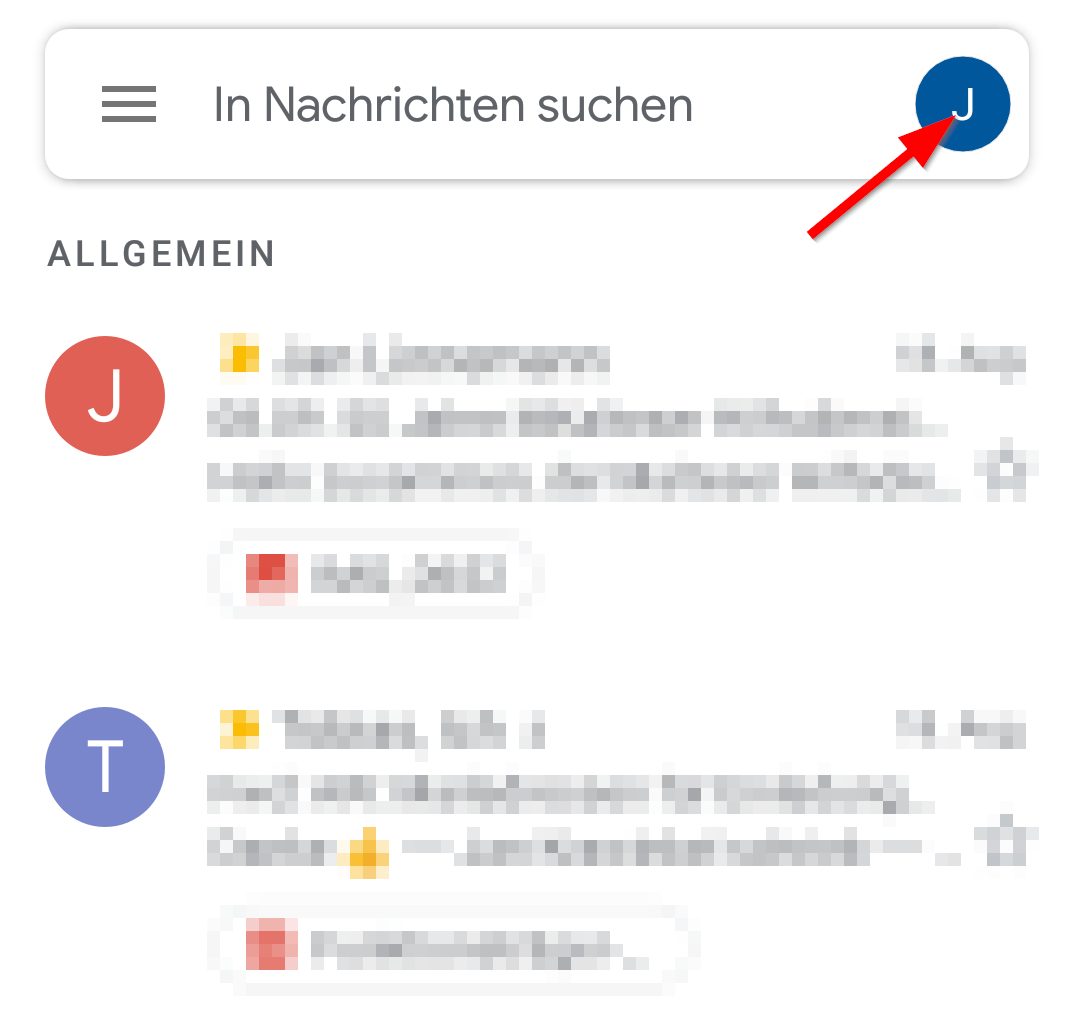
| 16:21, 22. Aug. 2019 | Exchange einrichten mit Android 02.png (Datei) |  |
77 KB | {{Information | description = Screenshot aus Android - Gmail Posteingang | source = Screenshot | date = 22.08.2019 | author = Benutzer:jnk | permission = {{PD-user|jnk}} }}Kategorie:Screenshots | 1 |
| 16:20, 22. Aug. 2019 | Exchange einrichten mit Android 01.png (Datei) |  |
33 KB | {{Information | description = Screenshot aus Android - Gmail Icon | source = Screenshot | date = 22.08.2019 | author = Benutzer:jnk | permission = {{PD-user|jnk}} }}Kategorie:Screenshots | 1 |
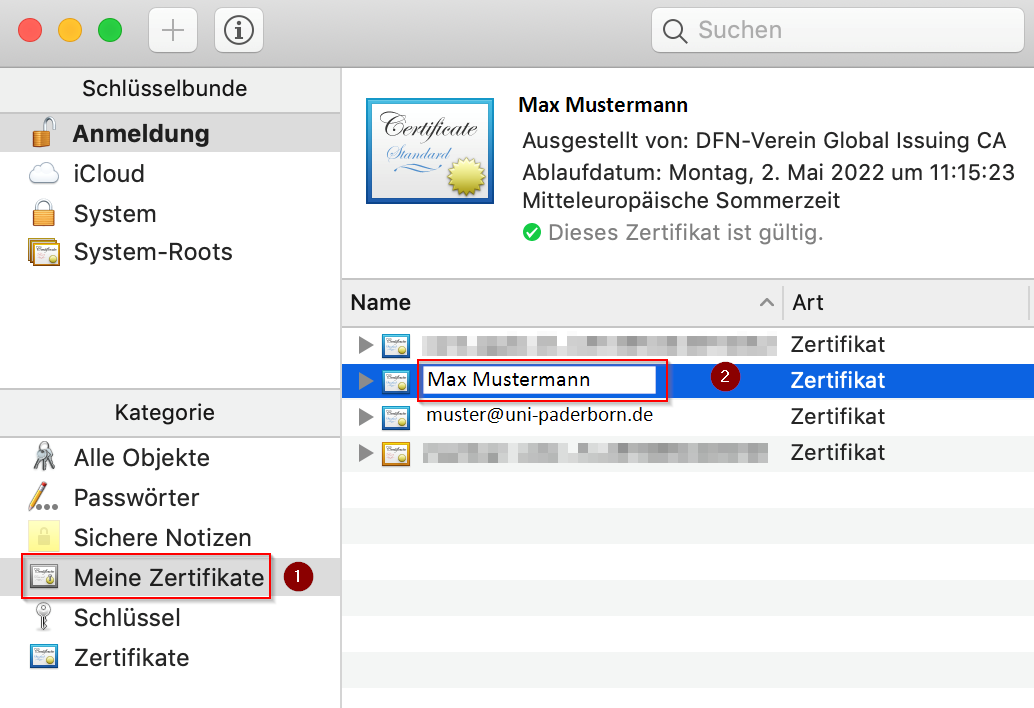
| 18:07, 15. Aug. 2019 | E-Mail SSL-Zertifikate einbinden in Apple-Mail (macOS 10.14) 6.png (Datei) | _6.png) |
110 KB | {{Information | description = Screenshot aus MacOS Mojave - Meine Zertifikate im Schlüsselbund | source = Screenshot | date = 15.08.2019 | author = Benutzer:jnk | permission = {{PD-user|jnk}} }}Kategorie:Screenshots | 1 |
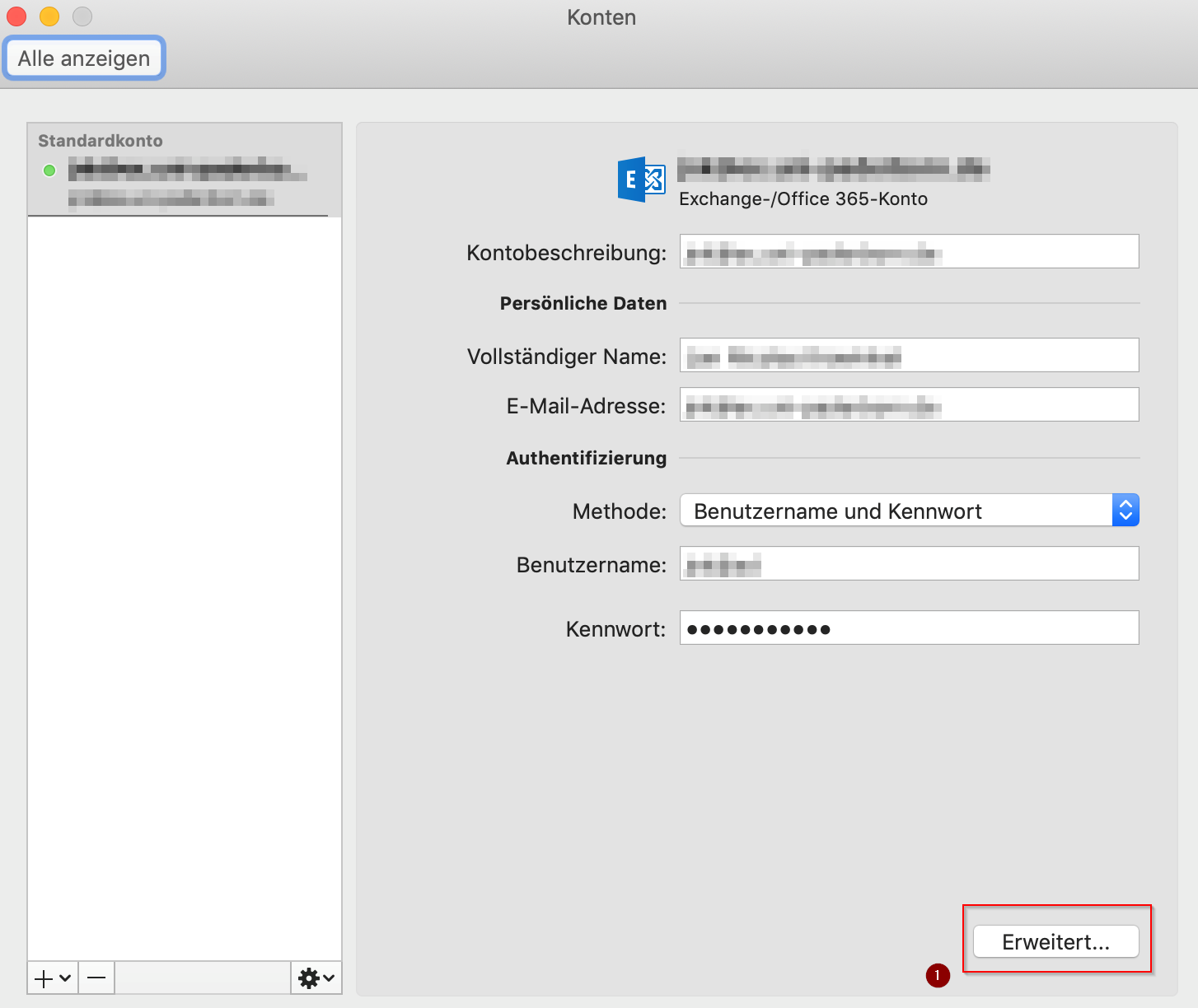
| 21:33, 14. Aug. 2019 | E-Mail SSL-Zertifikate einbinden in Outlook 2019 (macOS 10.14) (5).png (Datei) | _(5).png) |
97 KB | {{Information | description = Screenshot aus Outlook 2019 unter MacOS Mojave - E-Mail Zertifikat einrichten 3 | source = Screenshot | date = 14.08.2019 | author = Benutzer:jnk | permission = {{PD-user|jnk}} }}[[Kategorie:Screensho… | 1 |
| 17:21, 8. Aug. 2019 | Screenshot SP dwonload cert.png (Datei) |  |
146 KB | 1 | |
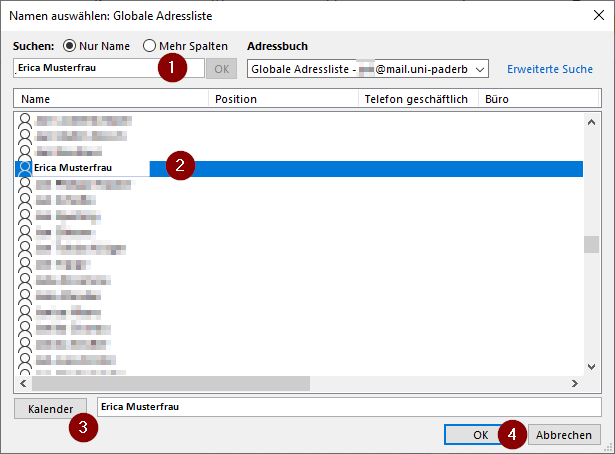
| 19:50, 6. Aug. 2019 | Screenshot Outlook19 Globale-Adressliste-Kalender.png (Datei) |  |
20 KB | {{Information | description = Screenshot Outlook 2019 unter Windows 10 - Globales Adressbuch für den Kalender | source = Screenshot | date = 06.08.2019 | author = Benutzer:jnk | permission = {{PD-user|jnk}} }}[[Kategorie:Screensh… | 1 |
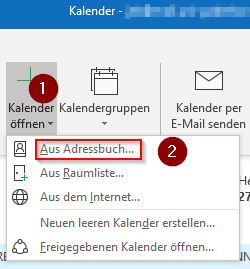
| 19:50, 6. Aug. 2019 | Screenshot Outlook19 Kalender-aus-Adressbuch.png (Datei) |  |
9 KB | {{Information | description = Screenshot Outlook 2019 unter Windows 10 - Kalender aus Adressbuch öffnen | source = Screenshot | date = 06.08.2019 | author = Benutzer:jnk | permission = {{PD-user|jnk}} }}Kategorie:Screenshots | 1 |
| 19:32, 6. Aug. 2019 | Icon Outook19 Person.jpg (Datei) |  |
19 KB | {{Information | description = Icon aus Office 2019 unter Windows 10 - Personengruppen | source = Screenshot | date = 06.08.2019 | author = Benutzer:jnk | permission = {{PD-user|jnk}} }}Kategorie:Icons | 1 |
| 19:31, 6. Aug. 2019 | Icon Outlook19 Door.jpg (Datei) |  |
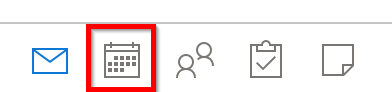
18 KB | {{Information | description = Icon aus Office 2019 unter Windows 10 | source = Screenshot | date = 06.08.2019 | author = Benutzer:jnk | permission = {{PD-user|jnk}} }}Kategorie:Icons | 1 |
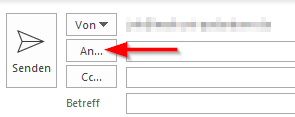
| 18:58, 6. Aug. 2019 | Screenshot Outlook19 Mail To.png (Datei) |  |
3 KB | {{Information | description = Screenshot aus Outlook 2019 unter Windows 10 - Das "An-Feld" für neue Emails | source = Screenshot | date = 06.08.2019 | author = Benutzer:jnk | permission = {{PD-user|jnk}} }}Kategorie:Screenshots | 1 |
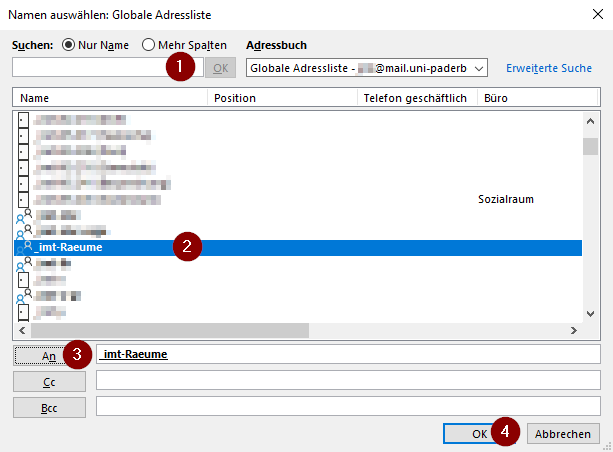
| 18:57, 6. Aug. 2019 | Screenshot Outlook19 GlobaleAdressliste.png (Datei) |  |
18 KB | {{Information | description = Screenshot aus Outlook 2019 unter Windows 10 - Die Globale Adressliste | source = Screenshot | date = 05.08.2019 | author = Benutzer:jnk | permission = {{PD-user|jnk}} }}Kategorie:Screenshots | 1 |
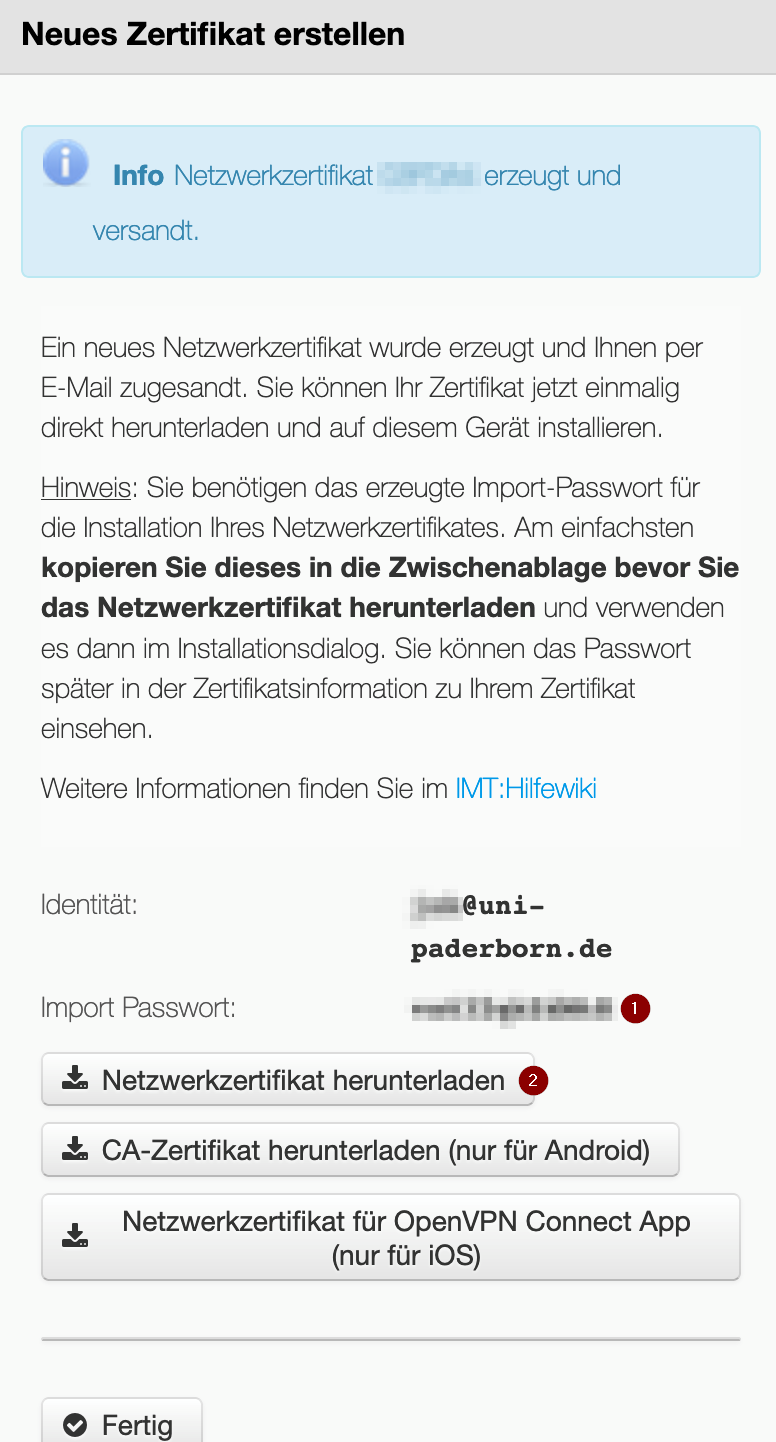
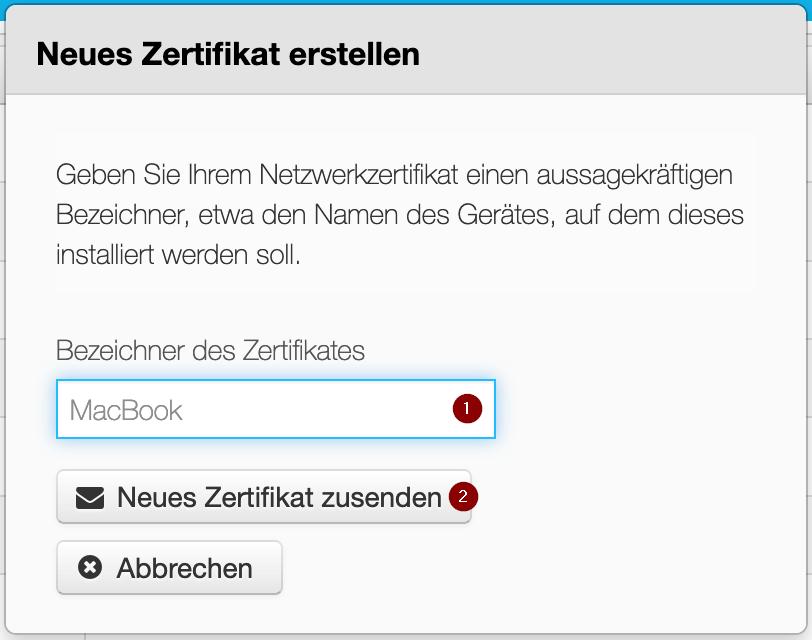
| 17:52, 5. Aug. 2019 | Screenshot SP new-cert.png (Datei) |  |
57 KB | {{Information | description = Screenshot aus dem Service Portal - Abfrage: Neues Netzwerkzertifikat erstellen | source = Screenshot | date = 05.08.2019 | author = Benutzer:jnk | permission = {{PD-user|jnk}} }}[[Kategorie:Screensho… | 1 |
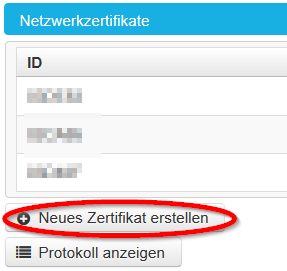
| 17:51, 5. Aug. 2019 | Screenshot SP network.png (Datei) |  |
13 KB | {{Information | description = Screenshot aus dem Service Portal - Neues Netzwerkzertifikat erstellen | source = Screenshot | date = 05.08.2019 | author = Benutzer:jnk | permission = {{PD-user|jnk}} }}Kategorie:Screenshots | 1 |
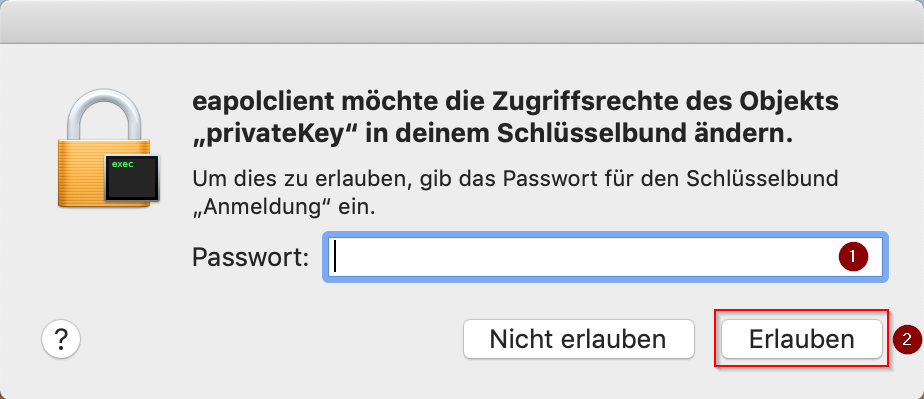
| 17:40, 5. Aug. 2019 | Screenshot macOS abfrage sicherheit.png (Datei) |  |
56 KB | {{Information | description = Screenshot aus MacOS Mojave - Sicherheitsabfrage | source = Screenshot | date = 05.08.2019 | author = Benutzer:jnk | permission = {{PD-user|jnk}} }}Kategorie:Screenshots | 1 |
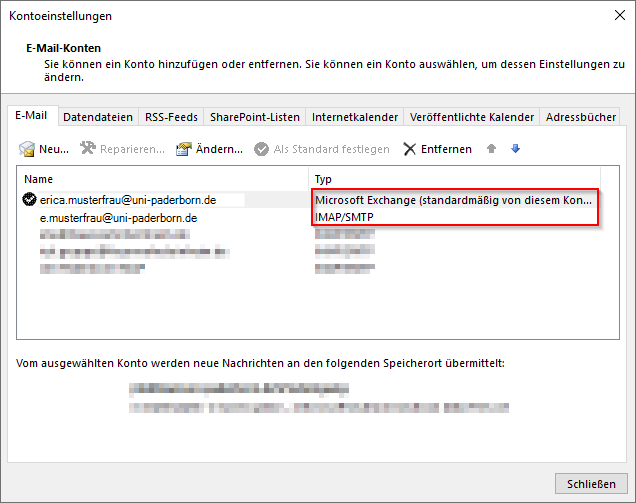
| 16:26, 2. Aug. 2019 | Screenshot Outlook19 Accounttyp.png (Datei) |  |
20 KB | {{Information | description = Screenshot aus Microsoft Outlook 2019 - Anzeige des Kontotyps | source = Screenshot | date = 02.08.2019 | author = Benutzer:jnk | permission = {{PD-user|jnk}} }}Kategorie:Screenshots | 1 |
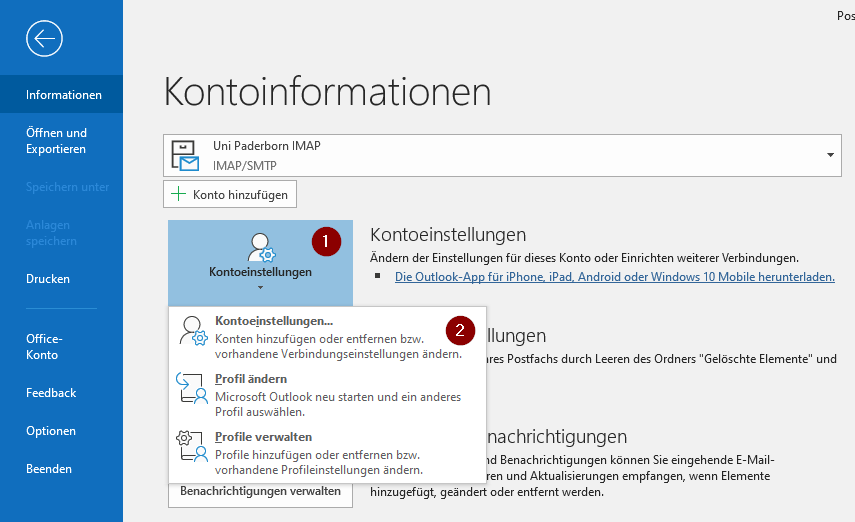
| 16:25, 2. Aug. 2019 | Screenshot Outlook19 Accounteinstellungen.png (Datei) |  |
36 KB | {{Information | description = Screenshot aus Microsoft Outlook 2019 - Aufrufen der Accounteinstellungen | source = Screenshot | date = 02.08.2019 | author = Benutzer:jnk | permission = {{PD-user|jnk}} }}Kategorie:Screenshots | 1 |
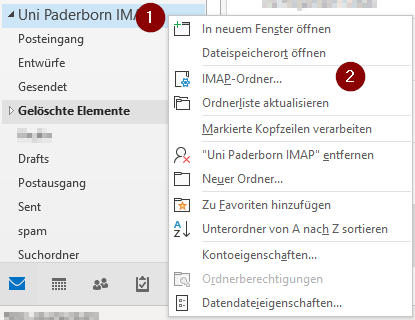
| 15:47, 2. Aug. 2019 | Screenshot Outlook19 Ordner-Kontext.png (Datei) |  |
16 KB | {{Information | description = Screenshot aus Microsoft Outlook 2019 - IMAP Ordner Kontext Menü | source = Screenshot | date = 02.08.2019 | author = Benutzer:jnk | permission = {{PD-user|jnk}} }}Kategorie:Screenshots | 1 |
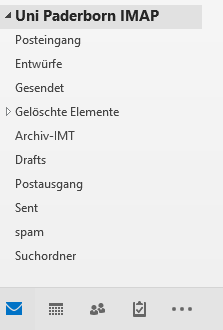
| 15:46, 2. Aug. 2019 | Screenshot Outlook19 Mailordner.png (Datei) |  |
6 KB | {{Information | description = Screenshot aus Microsoft Outlook 2019 - Mailordner für ein IMAP Konto vom IMT | source = Screenshot | date = 02.08.2019 | author = Benutzer:jnk | permission = {{PD-user|jnk}} }}Kategorie:Screenshots | 1 |
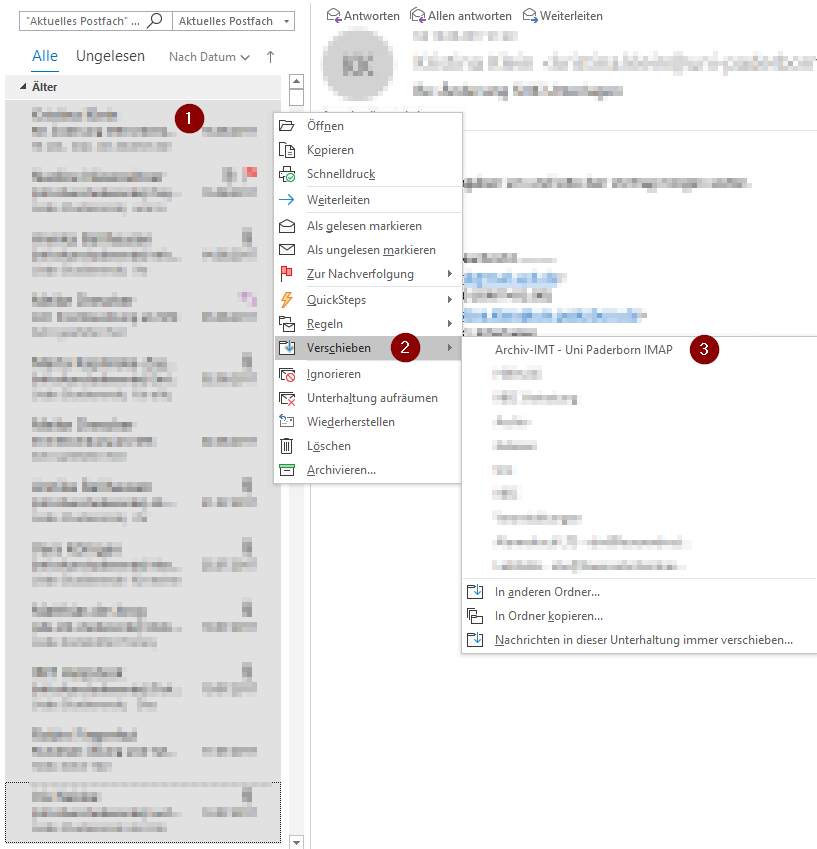
| 15:46, 2. Aug. 2019 | Screenshot Outlook19 Mail-in-Archiv-verschieben.png (Datei) |  |
48 KB | {{Information | description = Screenshot aus Microsoft Outlook 2019 - Mails in Archiv Ordner verschieben | source = Screenshot | date = 02.08.2019 | author = Benutzer:jnk | permission = {{PD-user|jnk}} }}Kategorie:Screenshots | 1 |
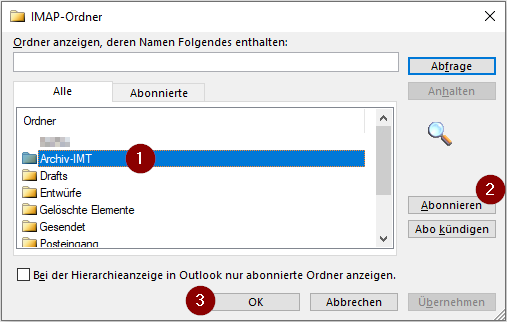
| 15:45, 2. Aug. 2019 | Screenshot Outlook19 IMAP-Ordner-abonieren.png (Datei) |  |
17 KB | {{Information | description = Screenshot aus Microsoft Outlook 2019 - Weitere IMAP Ordner abonieren | source = Screenshot | date = 02.08.2019 | author = Benutzer:jnk | permission = {{PD-user|jnk}} }}Kategorie:Screenshots | 1 |
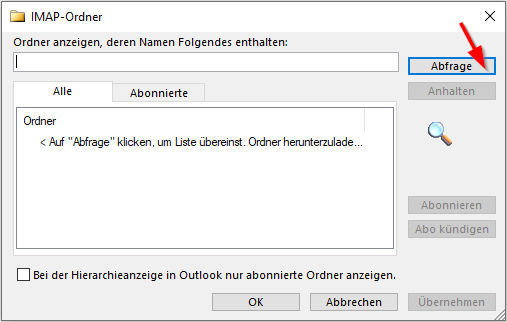
| 15:44, 2. Aug. 2019 | Screenshot Outlook19 IMAP-Ordner-Abfragen.png (Datei) |  |
12 KB | {{Information | description = Screenshot aus Microsoft Outlook 2019 - IMAP Ordner abfragen | source = Screenshot | date = 02.08.2019 | author = Benutzer:jnk | permission = {{PD-user|jnk}} }}Kategorie:Screenshots | 1 |
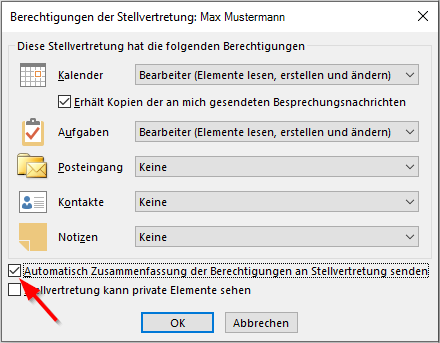
| 10:34, 2. Aug. 2019 | Screenshot Outlook19 Stellvertretung Rechte.png (Datei) |  |
17 KB | {{Information | description = Screenshot aus Microsoft Outlook 2019 - Rechte für Stellvertreter | source = Screenshot | date = 02.08.2019 | author = Benutzer:jnk | permission = {{PD-user|jnk}} }}Kategorie:Screenshots | 1 |
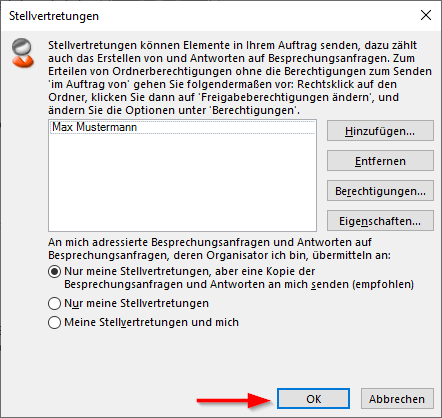
| 10:21, 2. Aug. 2019 | Screenshot Outlook19 Menü Stellvertretungen mitStellv.png (Datei) |  |
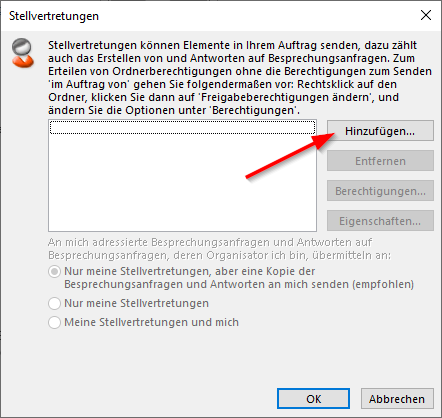
20 KB | {{Information | description = Screenshot aus Microsoft Outlook 2019 - Menü Stellvertretungen mit Inhalt | source = Screenshot | date = 02.08.2019 | author = Benutzer:jnk | permission = {{PD-user|jnk}} }}Kategorie:Screenshots | 1 |
| 10:20, 2. Aug. 2019 | Screenshot Outlook19 Menü Stellvertretungen.png (Datei) |  |
20 KB | {{Information | description = Screenshot aus Microsoft Outlook 2019 - Menü Stellvertretungen | source = Screenshot | date = 02.08.2019 | author = Benutzer:jnk | permission = {{PD-user|jnk}} }}Kategorie:Screenshots | 1 |
| 10:19, 2. Aug. 2019 | Screenshot Outlook19 Kontoeinstellungen Stellv.png (Datei) |  |
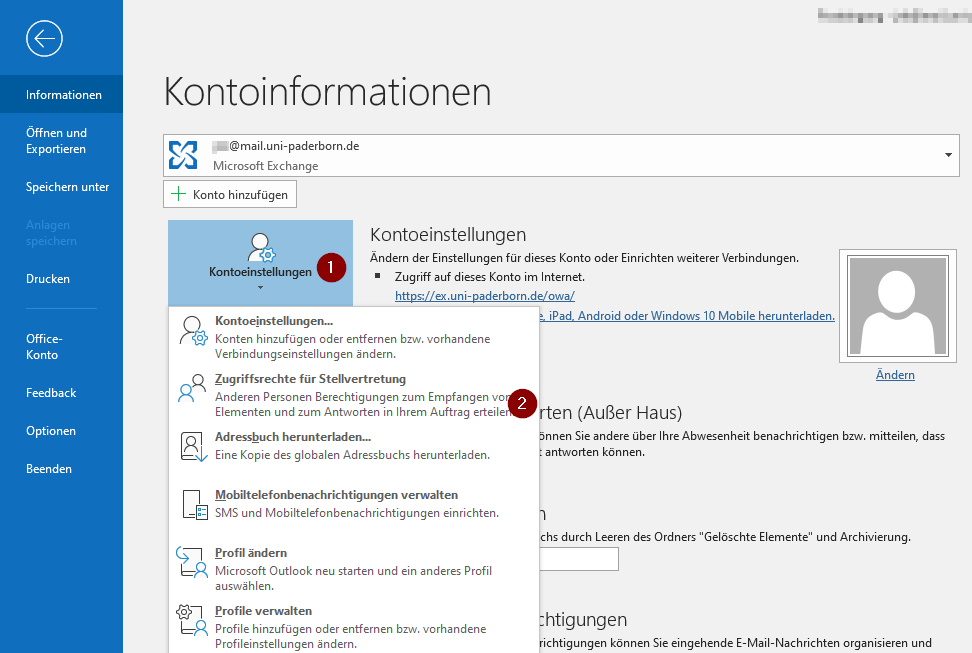
51 KB | {{Information | description = Screenshot aus Microsoft Outlook 2019 - Menü Datei Stellvertretung | source = Screenshot | date = 02.08.2019 | author = Benutzer:jnk | permission = {{PD-user|jnk}} }}Kategorie:Screenshots | 1 |
| 10:18, 2. Aug. 2019 | Screenshot Outlook19 Benutzer-hinzufuegen.png (Datei) |  |
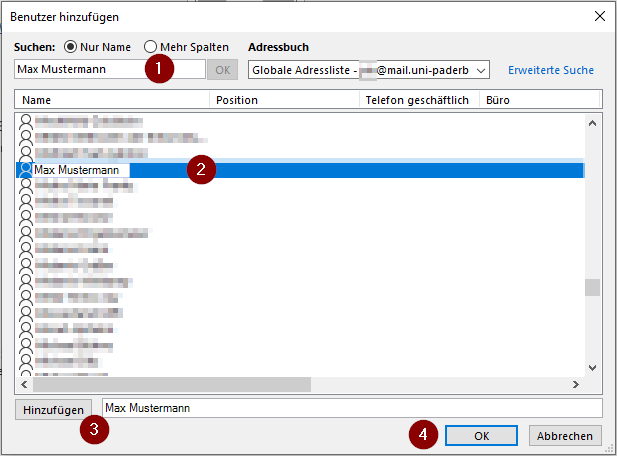
21 KB | 1 | |
| 09:00, 2. Aug. 2019 | Screenshot Outlook19 SendenVonMusterfrau.png (Datei) |  |
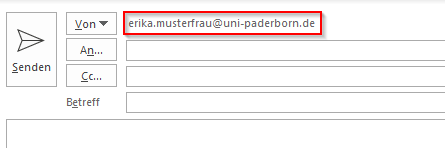
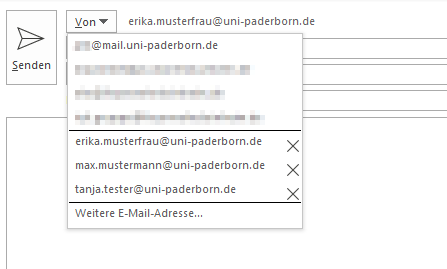
4 KB | {{Information | description = Screenshot aus Microsoft Outlook 2019 - Anzeige Absenderadresse | source = Screenshot | date = 02.08.2019 | author = Benutzer:jnk | permission = {{PD-user|jnk}} }}Kategorie:Screenshots | 1 |
| 08:59, 2. Aug. 2019 | Screenshot Outlook19 SendenAuswahl.png (Datei) |  |
9 KB | {{Information | description = Screenshot aus Microsoft Outlook 2019 - Auswahl Absenderadressen | source = Screenshot | date = 02.08.2019 | author = Benutzer:jnk | permission = {{PD-user|jnk}} }}Kategorie:Screenshots | 1 |
| 08:58, 2. Aug. 2019 | Screenshot Outlook19 AbsenderadresseEintragen.png (Datei) |  |
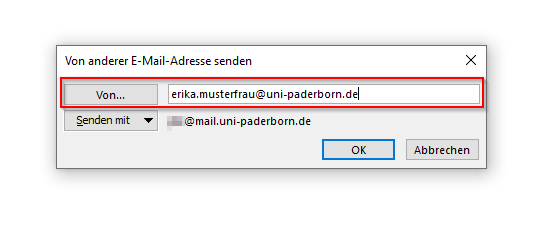
8 KB | {{Information | description = Screenshot aus Microsoft Outlook 2019 - "Von anderer Emailadresse senden" eintragen | source = Screenshot | date = 02.08.2019 | author = Benutzer:jnk | permission = {{PD-user|jnk}} }}[[Kategorie:Scree… | 1 |
| 08:57, 2. Aug. 2019 | Screenshot Outlook Absenderadresse.png (Datei) |  |
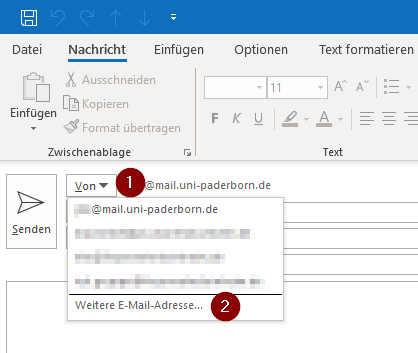
14 KB | {{Information | description = Screenshot aus Microsoft Outlook 2019 - Kontextmenü für weitere Absenderadresse anlegen | source = Screenshot | date = 02.08.2019 | author = Benutzer:jnk | permission = {{PD-user|jnk}} }}[[Kategorie… | 1 |
| 08:52, 2. Aug. 2019 | Screenshot Outlook19 NeueMail.png (Datei) |  |
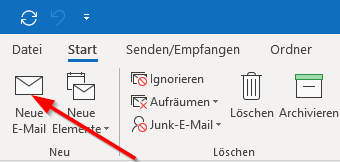
8 KB | {{Information | description = Screenshot aus Microsoft Outlook 2019 Ribbons oben links | source = Screenshot | date = 02.08.2019 | author = Benutzer:jnk | permission = {{PD-user|jnk}} }}Kategorie:Screenshots | 1 |
| 20:54, 24. Jul. 2019 | Screenshot Cryptomator Ordner auswaehlen.png (Datei) |  |
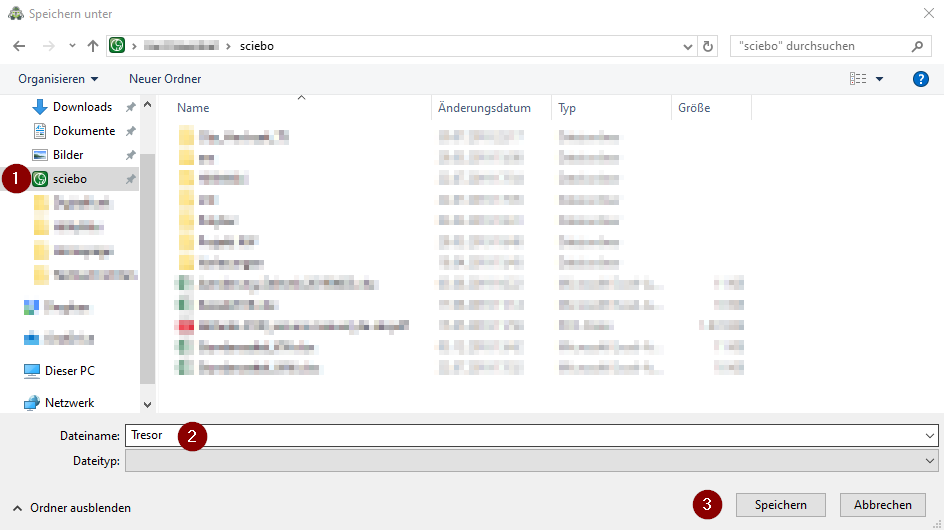
32 KB | {{Information | description = Screenshot: Speicherplatz für den Cryptomator Tresor in Scibo auswählen | source = Screenshot | date = 24.07.2019 | author = Benutzer:jnk | permission = {{PD-user|jnk}} }}Kategorie:Screenshots | 1 |
| 20:50, 24. Jul. 2019 | Screenshot Cryptomator passwort vergeben.png (Datei) |  |
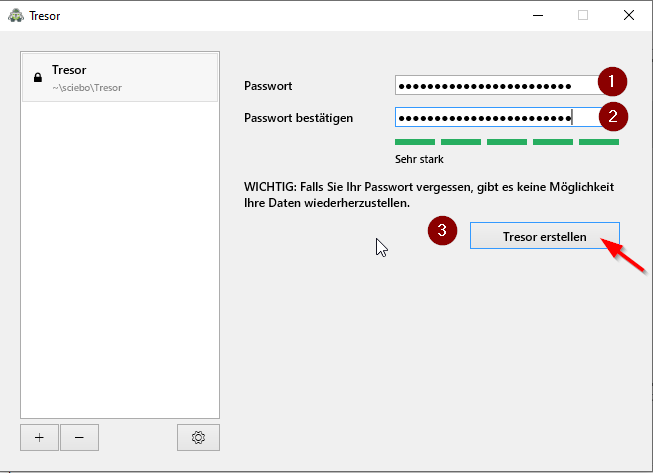
16 KB | {{Information | description = Screenshot den Cryptomator Einstellungen: Passwort für Tresor vergeben | source = Screenshot | date = 24.07.2019 | author = Benutzer:jnk | permission = {{PD-user|jnk}} }}Kategorie:Screenshots | 1 |
| 20:49, 24. Jul. 2019 | Screenshot Cryptomator Tresor entsperren.png (Datei) |  |
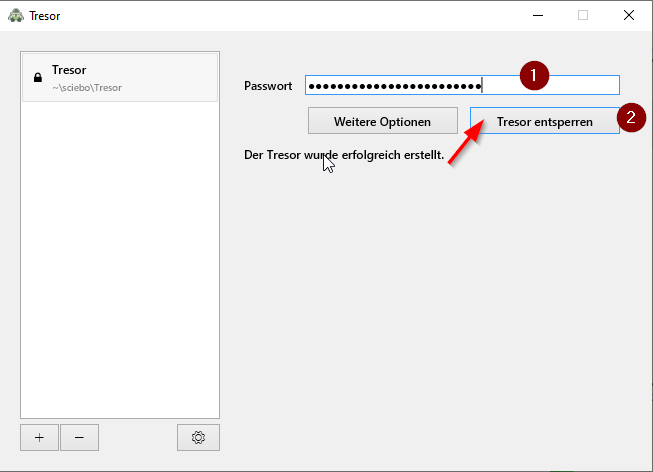
13 KB | {{Information | description = Screenshot aus Cryptomator zum Tresor entsperren | source = Screenshot | date = 24.07.2019 | author = Benutzer:jnk | permission = {{PD-user|jnk}} }}Kategorie:Screenshots | 1 |
| 20:48, 24. Jul. 2019 | Screenshot Cryptomator Tresor erstellen.png (Datei) |  |
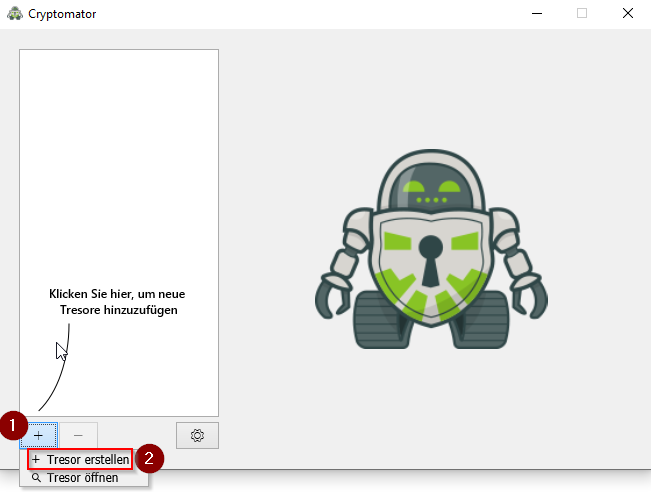
52 KB | {{Information | description = Screenshot vom Cryptomator Menü um einen neuen Tresor zu erstellen | source = Screenshot | date = 24.07.2019 | author = Benutzer:jnk | permission = {{PD-user|jnk}} }}Kategorie:Screenshots | 1 |
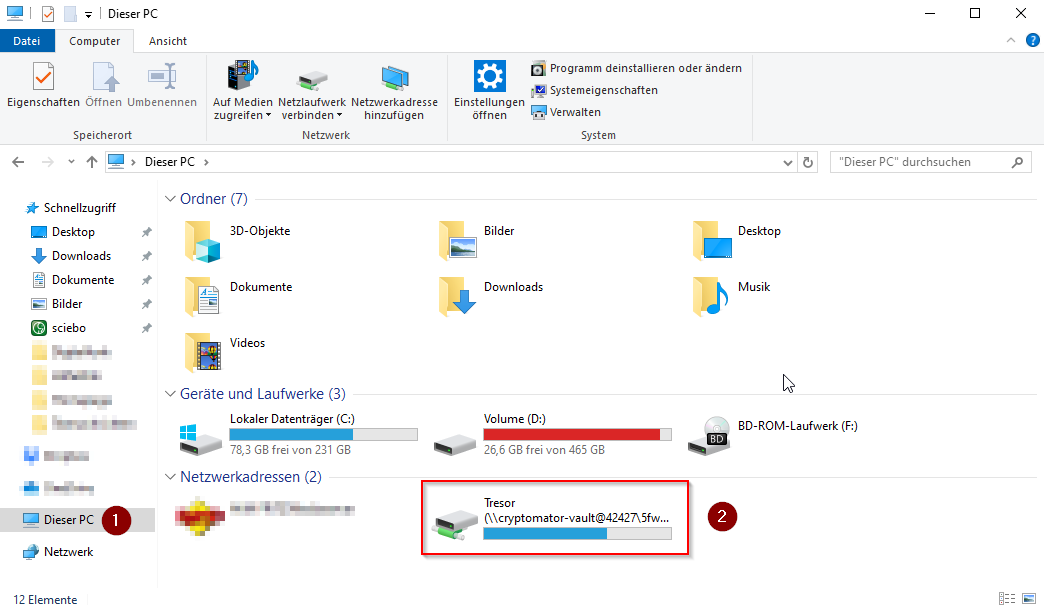
| 20:47, 24. Jul. 2019 | Screenshot Cryptomator Tresor oeffnen.png (Datei) |  |
61 KB | {{Information | description = Screenshot vom Win 10 Explorer mit verschlüsseltem Laufwerk über Cryptomator | source = Screenshot | date = 24.07.2019 | author = Benutzer:jnk | permission = {{PD-user|jnk}} }}Kategorie:Screenshots | 1 |
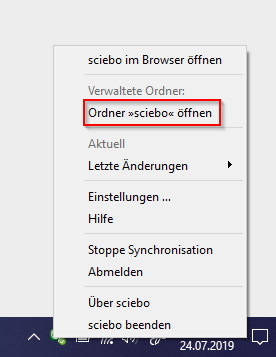
| 20:45, 24. Jul. 2019 | Screenshot scibo einstellungen.png (Datei) |  |
15 KB | {{Information | description = Screenshot vom Win 10 Tray Bereich mit Scibo Kontextmenü | source = Screenshot | date = 24.07.2019 | author = Benutzer:jnk | permission = {{PD-user|jnk}} }}Kategorie:Screenshots | 1 |
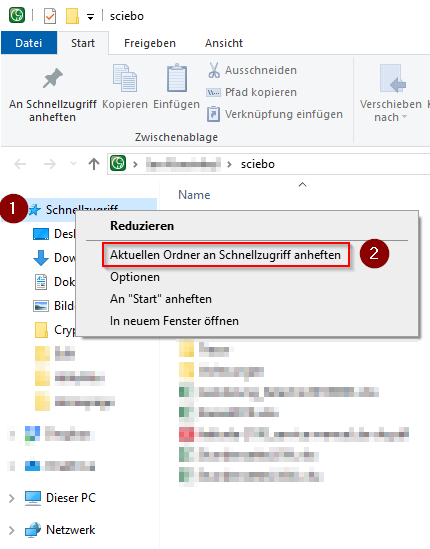
| 20:44, 24. Jul. 2019 | Screenshot scibo schnellzugriff anheften.png (Datei) |  |
27 KB | {{Information | description = Screenshot vom Windows 10 Explorer mit Kontextmenü zum Anheften im Schnellzugriff | source = Screenshot | date = 24.07.2019 | author = Benutzer:jnk | permission = {{PD-user|jnk}} }}[[Kategorie:Screen… | 1 |
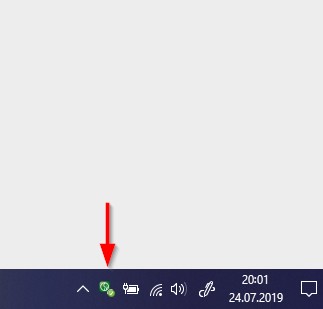
| 20:42, 24. Jul. 2019 | Screenshot scibo Tray.png (Datei) |  |
17 KB | {{Information | description = Screenshot vom Win 10 Tray Bereich mit Scibo | source = Screenshot | date = 24.07.2019 | author = Benutzer:jnk | permission = {{PD-user|jnk}} }}Kategorie:Screenshots | 1 |